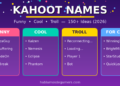


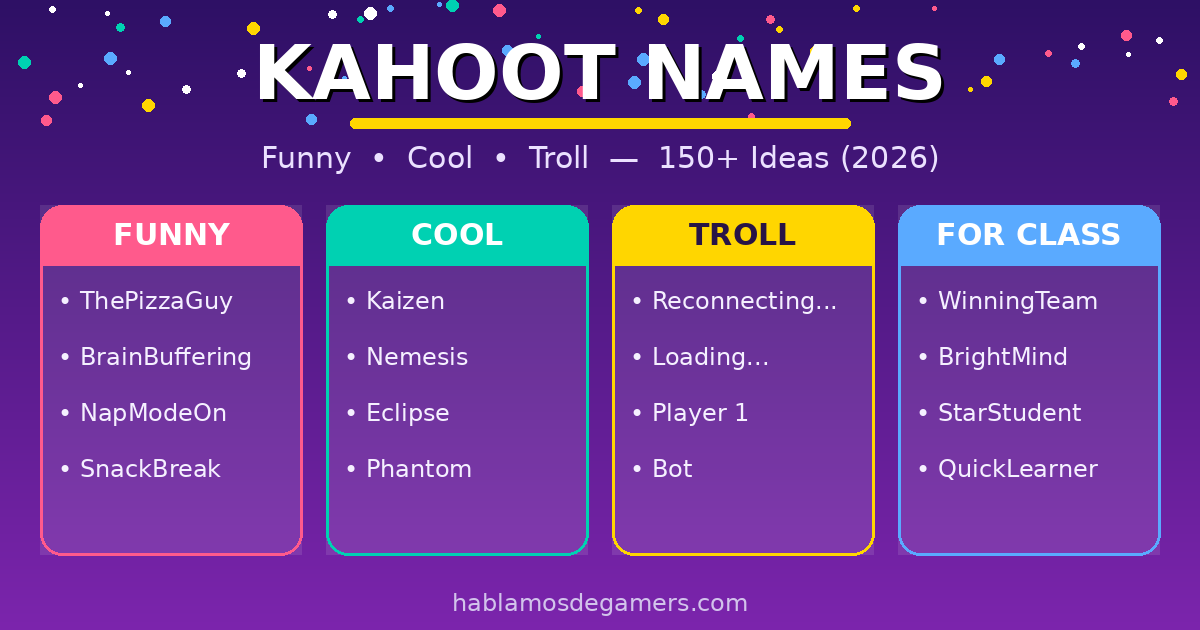
Looking for the perfect Kahoot name? Here are 150+ ideas sorted by style: funny, cool, for trolling (without going too far), and classroom-appropriate. Pick one, copy it, and paste it in when you join the game. Below we also explain how to change your nickname and what to do if Kahoot blocks it.
A good Kahoot name can make the whole class laugh or throw off your rivals. The key: keep it original, easy to read on the leaderboard, and — if you’re playing in class — appropriate, since Kahoot automatically filters offensive names.
Funny Kahoot names
The classics that always get a laugh:
- ThePizzaGuy
- IForgotToStudy
- HereForThePoints
- MyWifiIsSlow
- GuaranteedSecond
- ProfessionalGuesser
- BrainBuffering
- NapModeOn
- CtrlCCtrlV
- LostInThoughts
- DefinitelyNotCheating
- SnackBreak
Cool & aesthetic Kahoot names
For when you want some style:
- Kaizen
- Nemesis
- VoidWalker
- Eclipse
- Zenith
- Aurora
- Phantom
- Katana
- Valkyrie
- Onyx
- Lumen
- Requiem
Troll Kahoot names (keep it friendly)
These play with the interface to confuse other players. The fun is in the misdirection, not in offending anyone:
- The next player
- Reconnecting…
- Finding match
- Player 1
- Loading…
- Name unavailable
- Bot
- Anonymous
- [Removed]
- Disconnected
Tip: names like “Reconnecting…” or “Loading…” make others think there’s a technical glitch. Harmless but very effective.
Classroom-appropriate Kahoot names
If you’re playing with the teacher watching, play it safe:


- WinningTeam
- TheAchievers
- BrightMind
- QuickLearner
- StarStudent
- FutureTeacher
- TheBookworm
- WisdomBolt
Clever & wordplay Kahoot names
- QuizWizard
- BrainStorm
- FastFingers
- TheChosenOne
- NoBrainNoGain
- SilentWinner
- GhostMode
- LastBoss
How do you change your name in Kahoot?
- Go to kahoot.it or open the app.
- Enter the game PIN from the host.
- In the “Nickname” box, type (or paste) the name you want to use.
- Press OK, go! to join the game with that name.
If the host has enabled the “Friendly Nickname Generator”, Kahoot will assign you a random name and you won’t be able to choose your own.
Frequently Asked Questions
How do I put a funny name in Kahoot?
When you join with the PIN, type your funny name in the “Nickname” box before pressing “OK, go!”. You can copy any name from the lists above. If your name doesn’t appear, the host may have enabled the automatic nickname generator.
Why does Kahoot block my name?
Kahoot automatically filters names it detects as offensive or inappropriate, replacing or rejecting them. If your name isn’t accepted, try one of the classroom-appropriate names from the list.
What is the character limit for a Kahoot name?
The limit is roughly 15 characters, so short, punchy names work best and are easier to read on the leaderboard.
What are the best troll names for Kahoot?
Names that imitate system messages — like “Reconnecting…”, “Loading…” or “The next player” — work best, because they make others think there’s a technical glitch. They’re harmless but very effective at throwing people off.
More name ideas
- Guild names — ideas for your clan or guild